

Digital fingerprinting helps businesses read the quiet signals behind online activity.
Online fraud often slips in looking ordinary. A login that seems routine. A checkout that moves a little too fast. A new account that does not raise concern at first glance. Fraud usually starts quietly. A login looks normal. A new account seems harmless. A checkout goes through a little too fast. What’s more, the valid scenario for digital fingerprinting helps catch those small signs in the background and it occurs all before one ordinary-looking action turns into a bigger problem.
What Is Digital Fingerprinting and How Does It Work?
The reality check is that your typical digital fingerprinting is really not about scanning someone’s finger. In the online world, it means recognising a device by the small details it shows during a visit.
A browser has a pattern. So does a phone, laptop, operating system, screen size, time zone, language setting, network behaviour and device setup. One detail alone may not say much. By placing them together, a clearer picture starts to form.
That picture helps businesses understand whether a visit feels normal or risky. A regular customer logging in from the same phone should not be treated like someone hiding behind a strange setup. A new device is not automatically bad either. People change phones. They travel. They use different networks.
The value is in the pattern.
Fraud often depends on looking ordinary for long enough to slip through. Digital fingerprinting makes that harder. It gives websites and apps another way to judge the session without stopping every honest user in their tracks.
That is where decision making matters. The goal is not to make the process difficult. It is to know when something deserves a closer look.
Way 1: Identifying and Blocking Suspicious Devices in Real Time
The tendency for fraud doesn’t just result from a wait for that one manual review. In fact, a fake login, card testing attempt, or bot session can happen in seconds. Real time device checks help businesses respond while the activity is still happening.
A suspicious device may look normal at first. The browser name may be common. The location may seem close enough. But the smaller signals can tell a different story.
Maybe one device is trying several accounts. Maybe its details keep changing. Maybe it appears again after being linked to failed attempts. None of that feels harmless when it happens together.
Useful warning signs include:
- one device trying many accounts
- repeated failed logins from similar setups
- masked locations that keep moving
- browser details that look unnatural
- device signals tied to earlier fraud
This does not mean unusual users should be blocked automatically. A person may be traveling or using a new device. Good fraud control leaves room for that.
It does not jump at the first odd sign. It reads the full pattern first. If the risk still looks serious, then management can be informed that the system can slow the visit down. For that reason, asking for proof or halting it is your rational choice.
Way 2: Detecting Fraudulent Logins and Account Takeovers
Account takeover is difficult because the password may be correct. That is what makes it dangerous. The login form sees the right details, but the person behind them may not be the real account owner.
Digital fingerprinting adds another layer to that moment. It checks whether the device fits the user’s normal history. Has this browser appeared before? Is the device familiar? Is the same setup trying other accounts? Has it been tied to failed logins recently?
That context matters.
A returning customer using a known phone should have a smooth experience. A hidden browser tied to several failed attempts should not get the same level of trust just because it entered the right password.
This is especially useful when passwords have been leaked, reused, guessed, or bought from stolen data lists. Passwords can say who a user claims to be. Device signals can help show whether that claim feels believable.
When everything lines up, the user carries on like normal. As you can understand from here, as soon as the login feels off, the system can hold it for a moment. Hence, it asks for informative data before opening your account, such as:
A code.
An email confirmation.
Way 3: Preventing Bot Attacks and Automated Fraud
The typical bot induces issues due to their incomplete familiarity and similarity with human nature and how the mind works as technology still hasn’t reached to such a point. As well as how such bots tend to create problems because they do not behave like normal users. In fact, it is also due to the fact that they work fast. On top of that, they repeat tasks. As well as how they test forms, passwords, cards and promotions at a scale no person could manage by hand.
Digital fingerprinting helps by looking for patterns that automation often leaves behind. A bot may rotate IP addresses, but its device setup may still look too similar. It may move too quickly through a form. It may create accounts with the same hidden fingerprints behind them.
Some signs are easy to miss until they pile up:
- fast account creation with similar signals
- repeated form submissions with no natural pause
- many payment attempts from related devices
- browser setups linked with automation tools
- traffic that feels organised rather than human
Stopping bots early protects more than security. It also protects the user experience. Real customers should not deal with slower pages, fake accounts, abused promotions, or extra checks caused by automated fraud.
The aim is not to fight every unusual click. It is to catch the patterns no genuine user would normally create. On top of that, a genuine source of experts can be of help, such as Fingerprinting by NotaryPlusMore. They can support safer verification without making the process feel heavier than it needs to be.
Way 4: Strengthening Payment Security and Reducing Chargebacks
Payment fraud can leave a business paying for the same order more than once. There is the lost product, the refund, the chargeback fee, the shipping cost and the time spent trying to explain what happened.
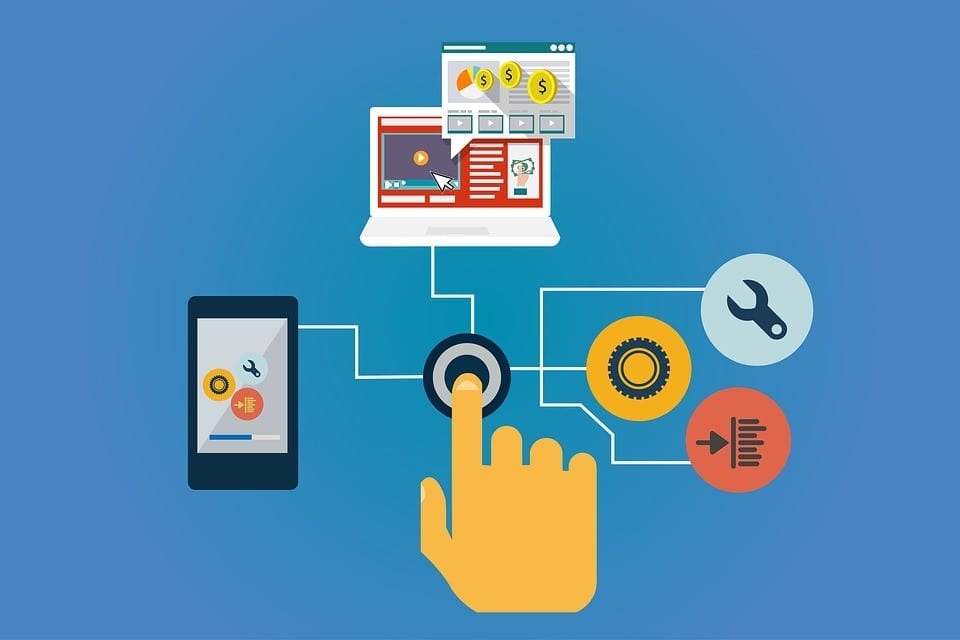
Digital fingerprinting gives payment teams another signal before the order is approved. It can show whether the device has a trusted history or whether it has appeared in risky activity before.
A new device alone is not enough to panic over. Neither is a high order value. But a new device, hidden location, rushed checkout and several card attempts together can change the risk level quickly.
- Signal
- What it may show
- familiar device
- lower risk in many cases
- many cards used
- possible card testing
- hidden location
- may need review
- rushed checkout
- possible stolen access
- past fraud links
- higher concern
This is where balance matters. Fraud checks should protect payments without making honest buyers feel punished. Digital fingerprinting helps because it gives more context instead of relying on one sign.
A smooth order should stay smooth. A risky one should slow down before money, products, or customer trust are lost.
Way 5: Enhancing User Trust Without Adding Friction
Security becomes frustrating when every user is treated like a threat. Too many popups, codes and checks can make people abandon a form, cart, or account.
Go too light on checks and fraud gets more room to move. This is where digital fingerprinting earns its place. It sits in the background while someone uses the site, reading the device signals without interrupting the visit. When the device looks familiar and the behaviour fits, there is usually no need to add another step.
If something feels risky, the system can step in.
That creates a better experience for real users. Returning customers get fewer interruptions. Suspicious sessions get reviewed before they cause damage. The business protects people without making the whole process feel heavy.
It is similar to setting practical goals before making a bigger change. Once the purpose is clear, the smaller choices become easier. In fraud prevention, the purpose is simple: protect real users while making bad behaviour harder to hide.
Conclusion
Digital fingerprinting helps businesses read the quiet signals behind online activity. Devices, logins, bots, payments and trust patterns all reveal something useful for organisations that need stronger identity checks in order to save their reputation and the experience of the ones who are involved with it.
Join the conversation!